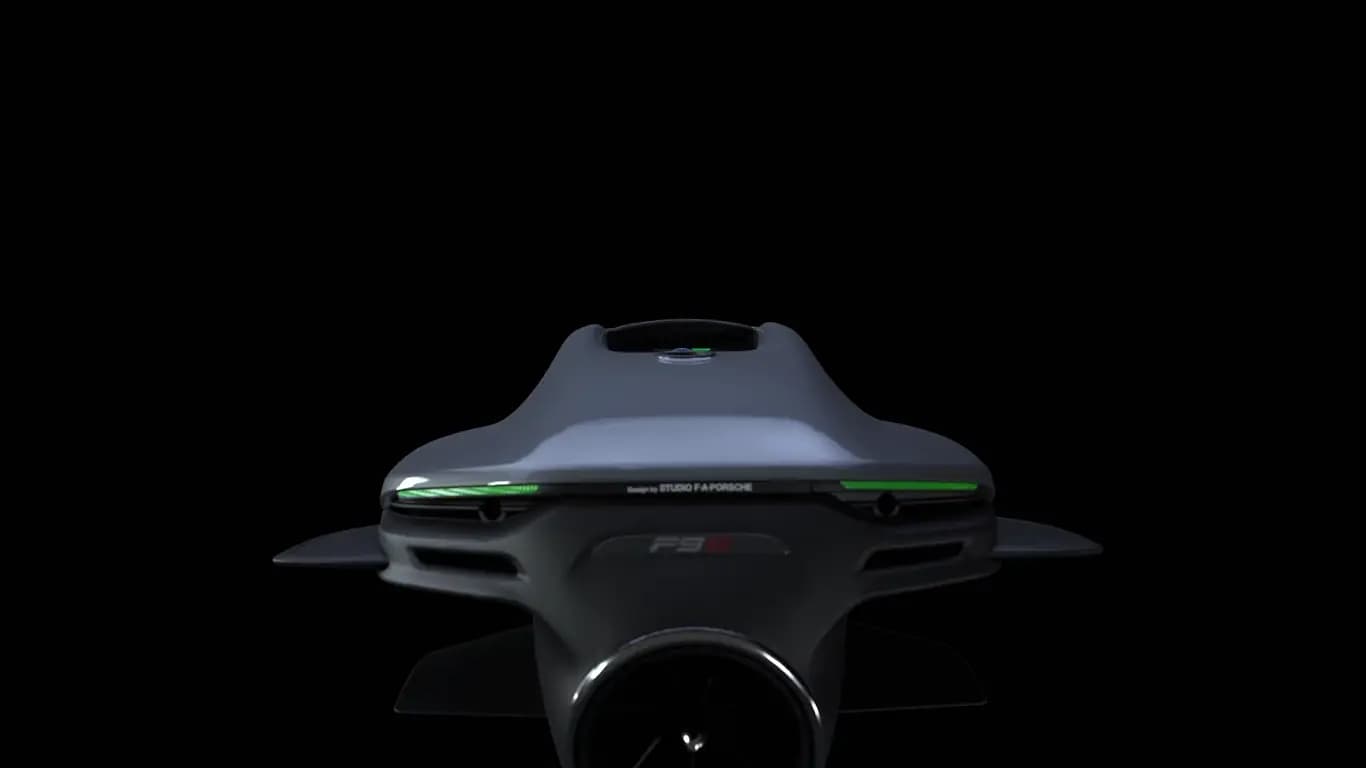
Every symptom below is taken from the official operator's manual — the F9 manual's troubleshooting chapter and the F5 quick-reference display warnings. We've kept it to what the manual actually says, in the order you'll need it when the machine won't behave on the water.
A note up front: this page helps you tell a routine glitch from a real fault. It is not remote diagnosis, and we won't guess at a fault from a description alone. When the manual says to stop or to see a specialist, take it seriously — that's the point at which you should book a repair or a battery check, not keep riding.
One rule matters more than any other: after a water-in-the-machine or damage alert, never reset and keep going. Stop, get it checked, and only then ride again. Everything else here is about the smaller things.
- Won't switch on
- Fully discharged, or in Deep Sleep — wakes only on a connected charger
- Impeller locked
- Debris in the jet channel — rinse out of water, never reach between the lamellas
- Won't charge
- Dirty or damp port/connector — clean with a cotton bud and dry
- Owner-PIN
- Printed on the owner certificate supplied with the unit
Start here: the one reset the manual allows
For a warning or error message on the display, the manual's first instruction is simple: switch the Seabob off, wait briefly, and switch it back on. That single reset clears a lot of transient warnings and is the correct first move for most on-screen faults.
If the message comes straight back after the reset, it's not transient — the manual says a technical check is needed. That's where this page ends and our workshop begins.
- Switch off, wait, switch on — the standard reset for on-screen warnings.
- If it returns, stop — a recurring warning needs a technical check, not another reset.
- A sticking trigger — rinse it or blow it out; it can freeze in frost, and a damaged or sticking trigger must be repaired or replaced.
It won't switch on
Two causes cover almost every case, both from the manual: the battery is fully discharged, or the unit is in Deep Sleep — the low-power state used for air transport and long storage. In either state the Seabob will only wake when a connected, active charger is plugged in.
- Connect the charger and give it a moment — a fully discharged or sleeping unit powers on only with an active charger attached.
- Check the storage state — if it was put into Deep Sleep (or Cargo mode) and stored, that alone explains a dark display.
- Still dead? — if a connected, active charger does not wake it, stop and get it checked rather than guessing.
The motor won't run
The manual lists the checks in order. Work through them before assuming the worst:
- 1Charge state — a dark display means an empty battery. Charge it before anything else.
- 2Drive mode — the unit must be in Drive mode for the motor to respond to the trigger.
- 3Max depth exceeded — the motor cuts out when the set maximum depth is passed, and restarts only above that limit. If you dived below the set depth, that alone explains it.
- 4Motor, battery or system error — if the display shows one of these, stop and contact a specialist dealer or the manufacturer.
That last one is not a setting you can fix from the beach. A motor, battery or system error is the manual telling you to bring it in, not to keep riding.
The impeller doesn't turn (locked)
An impeller that won't turn is almost always debris in the jet channel — weed, rope or a plastic bag. The manual's procedure is specific, and the safety limits are absolute:
- 1Put it into Deep Sleep and take it out of the water.
- 2Rinse the jet channel with low-pressure fresh water (or low-pressure air) to clear the debris.
- 3Never reach between the protective lamellas — clear debris with water or air, not your fingers.
- 4Never run the motor out of the water for more than roughly 10 seconds — the seals and shaft overheat.
If the debris won't clear, or the impeller stays locked after rinsing, stop — a jammed or damaged impeller is a workshop job, not a beach job. Book a repair rather than forcing it.
It won't charge
The manual is blunt about the cause: a Seabob that won't charge usually has a connection port or connector that isn't clean and dry. Salt deposits on the contacts overheat them and stop charging.
- Inspect the port and connector — look for salt, sand or moisture.
- Clean with a cotton bud and let it dry completely.
- Only charge when both are clean and dry — never force a charge onto a damp port.
- Still won't charge? — a persistently failing charge is a battery or charger issue: get the battery checked.
Moisture and water warnings
Moisture in the connection port means a seal or the screw cap is defective or not fitted correctly. The manual's rules here are non-negotiable:
- Do not charge until the port is clean and dry.
- Check the seals and screw cap — a worn or missing seal lets water in.
- Stop if anything is damaged — a damaged seal or cap needs replacing before the next use.
F5 display warnings and what they mean
The F5 quick-reference card maps each display warning to the action the electronics take. Here they are as printed:
| Display warning | What the unit does |
|---|---|
| Motor overheated | Power is limited to level 2 |
| Accumulator overheated | Power is limited to level 2 |
| Accumulator error | Emergency operation at level 2, or the motor stops |
| Impeller locked | The motor stops |
| Workshop (spanner) symbol | Motor, accumulator or system defect — contact the manufacturer or a specialist dealer |
The spanner symbol is the F5's equivalent of the F9's motor/battery/system error: it is not a setting, it is a call to a specialist.
Your Owner-PIN
The Owner-PIN is printed on the owner certificate supplied with the unit — the same document that carries the serial number and SEABOB ID. You need it to enter the settings menu, where things like the maximum depth and charging limit are set.
- Keep the owner certificate safe — it holds the PIN, the serial number and the SEABOB ID.
- Don't guess the PIN — if you've lost the certificate, contact the dealer for the unit's details.
- It's also proof of ownership — useful for warranty work and any factory support.
Lost your certificate, or the settings menu won't accept the PIN? Message us on WhatsApp — we can usually point you to the right place for a unit's details.